As AI technology like OpenAI's Sora and Runway Gen-3 evolves, distinguishing between authentic footage and AI-generated videos is becoming impossible for the human eye. This is why using a reliable AI Detector is more important than ever.
1. Unnatural Blinking Patterns
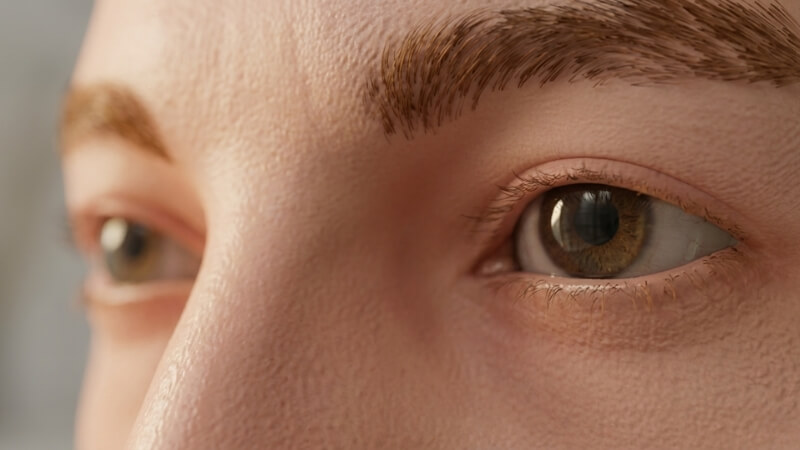
One of the easiest ways an AI detector spots a deepfake is by analyzing the blink rate. Humans blink spontaneously and irregularly. AI models often generate videos where the subject either never blinks (staring intensely) or blinks in a weird, robotic pattern.
2. The "Teeth and Tongue" Glitch

Generative AI struggles with complex internal facial details. If you pause a video and the teeth look like a solid white block, or the tongue movement doesn't match the speech, it is likely fake. Our AI video detector is trained to spot these specific lip-sync errors.
3. Inconsistent Lighting and Shadows
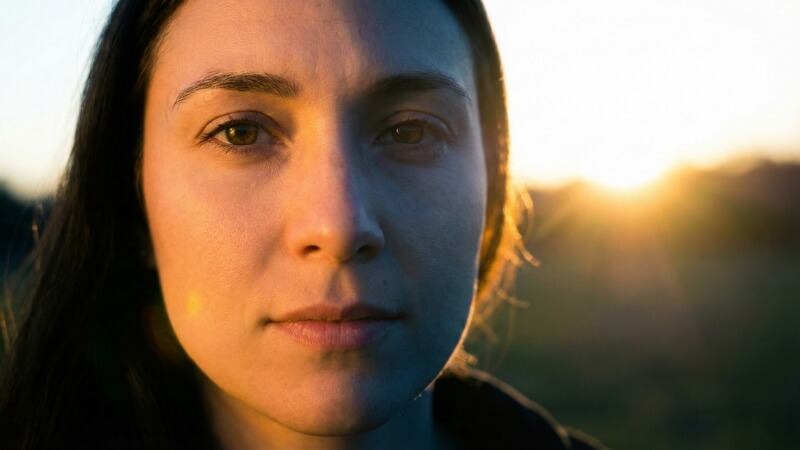
Physics is hard for AI. Look closely at the shadows on the face. If the light source comes from the left, but the shadow falls incorrectly, the video is synthetic. An automated AI detector analyzes pixel-level light reflection to spot these mathematical errors that humans often miss.
4. Warping Backgrounds

Focus on the background, not the face. In many AI videos from Instagram or TikTok, the background might "warp" or shift slightly when the person moves their head. Our forensic AI detector scans the background specifically for these "liquid" distortion artifacts.
5. Skin Texture Too Smooth

Real 4K video shows pores, tiny wrinkles, and imperfections. AI generators often apply a "smoothing" effect that makes skin look like plastic. If it looks too perfect to be real, you should run it through a deepfake scanner.
Try Our Free AI Detector
Ensure the content you watch is real. Get a forensic confidence score in seconds.
GO TO AI DETECTOR